Showing posts with label fitbit. Show all posts

Thursday, 25 April 2019

Cheap Smart/Fitness Bands... ID115 and ID115 HR Plus Review

Once a nerdy trend, smart watches and fitness bands are now the coolest tech out there. As with most technology cheap alternatives work their way in, but are cheap bands any good?

FitBit are a big name in the sports band area however personally I do not rate them in terms of quality and value for money, so when my daughters FitBit Charge lasted only a few months I wasn’t keen on replacing it with another high priced offering.

ID115 Review
For under ten pound I picked up a smart fitness band online. I am not sure who makes it, but it is labelled as an ID115. A small thin band which features a mono low resolution screen, which while isn’t touch capable it does have a touch sensitive button at the bottom of the screen for menu control.

It has removable and replaceable straps (something the likes of FitBit and Microsoft Band didn’t offer), to reveal a built in USB connection for charging. You simply plug the watch into a USB socket - so no need for a cable - It’s tiny 45mAh battery takes an hour to charge and lasts around 3 or 4 days of average use - despite several sellers claiming 10 days.


Function wise it offers a watch face, call/app notifications (although limited to a few selected apps), sports tracker for steps, calories and distance. It also has remote camera function, find my phone and is waterproof.
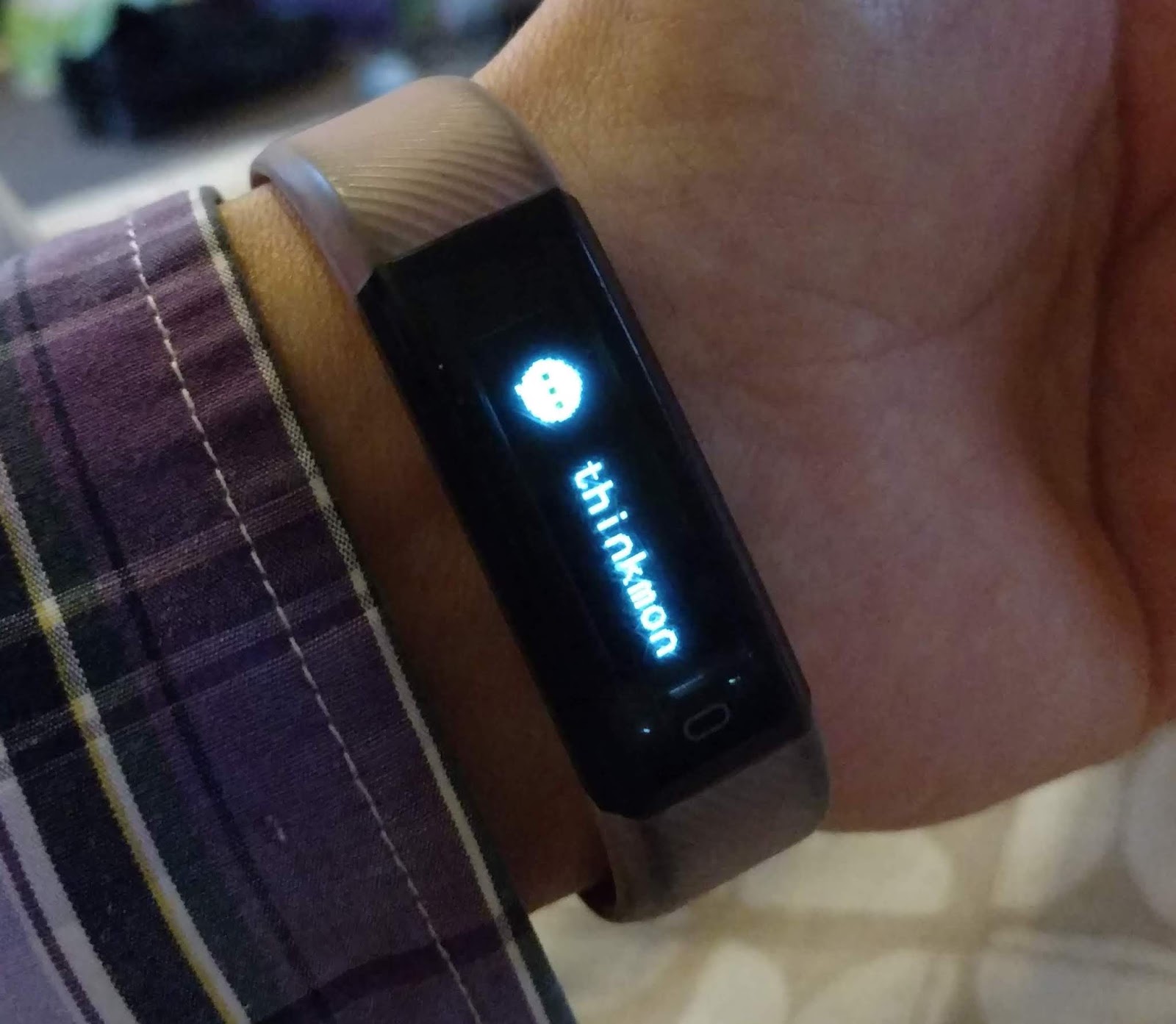

The band connects to your Android/iOS device via bluetooth and is controlled via the VeryFitPro app which does a good job of syncing and keeping your fitness history as well as tweaking the settings of your band.

I wasn’t expecting much from this cheap band, but both my daughter and I have been thoroughly impressed. After a terrible experience with her FitBit she is loving this.

ID115 HR Plus
I was looking for a new band and after the great experience of the ID115 I wanted something similar. The low res screen of the ID115 was its only niggle, so when I saw the ID115 HR Plus with its bright colour screen I thought I would grab one and at only £6 would be a cheap option.

It has the same functions as the ID115 - call/app notifications, sports tracker for steps, calories and distance but with added heart rate and blood pressure monitors.


Initially I was impressed. The screen was bright and clear and the colourisation made it look great, and once again not a touch screen device, but a touch sensitive button at the bottom of the screen. The menu was similar to the ID115 and also has replaceable straps and charging via the built in USB connection.


The band connects to your Android/iOS device via Bluetooth and is controlled via the Yoho Sports app which is similar to the VeryFitPro but oddly lacks a few options such as remote camera and screen rotation.

However, the joy of this band was short lived. Despite almost doubling the battery to 80mAh, this band would need charging at least twice a day - even though it was advertised as lasting around 5 days.

After just two days this began to really annoy me and the band was returned.

Summary
Cheap bands can be good. There are so many around your mileage may vary. A band for under ten pounds with replaceable straps is a great bonus and depending on your needs they could cover everything you want.

For me the fitness side isn't important, I just like notifications on my wrist. It saves me taking my phone out every time it buzzes so these bands suit my minimal needs.

For their price they are great for kids or people who risk damaging high priced watches/bands.

I was very impressed with the ID115, but not with the ID115 HR Plus.

Written by Simon Royal. Follow me at twitter.com/simonroyal

Wednesday, 16 January 2019

Replacing a Pebble 2 with a Xiaomi Mi Band 3

I was recently looking for a replacement for my old Pebble, one that was a bit more comfortable and still supported. With not enough budget for a proper smart watch, the opportunity to get something cheap as a requested Xmas present came about. At
£20, the Xiaomi Mi Band 3 is probably the cheapest way to get your phones notifications onto your wrist!


In the box, there's a charge cable, the watch itself and the rubbery plastic strap which pops round the watch. I was struck by how tiny it is. It does not come with a charger but most USB A phone chargers should be fine. The watch needed charging up right from the off, it was totally out of charge, it's so tiny that it charges from one end - you have to take it off the strap to charge it.


Once fully charged up, I paired it using their app which was simple enough once you sign up/into it, I used my Google account.


Then it needed a firmware upgrade but for some reason after the upgrade, I had to re-pair it again.


I then had to fiddle about a bit to get notifications from my Pixel XL to work. Notification settings are in Advanced Settings. I had to manually enable each app I wanted notifications from, which makes sense I suppose, you don't want everything buzzing the watch all the time. I also found an app called Mi Band Tools - £3 -  that has a lot more configuration of notifications if you need it. There's a maximum of 5 notifications stored which you can scroll through and clear them by holding the button a bit.


The time is not always on, you have to touch it to show the display or enable the 'lift wrist to show display' setting.

I couldn't seem to get it to read my heart rate but I'm not really bothered as I didn't buy it for the keep fit stuff, more for the watch function and notifications on my wrist. I've turned off Automatic Heart rate detection, to get better battery life.

I find the alarm clock function on the Mi Band very useful as it often wakes me up when my phone alarm doesn't. On my phone I manually make alarms for 10 min intervals for several hours, whereas on the Band i can set one that will go off and repeat every 10 mins until I stop it, giving me little vibrations to my wrist.


After 13 none-stop days on my wrist, the Mi Band prompted me to charge it, at 15%, so I popped it on charge. It took around a couple of hours on the 1.5A charger that I used and it prompts you when it's reached 100%.


Overall I am quite happy with it, I've been getting around 14 days battery life and the strap is more comfortable than the one on my Pebble. I wear it 24/7, it's properly waterproof, you can even swim with it! Incidentally, you can buy replacement straps in various colours for a few quid from Amazon or eBay. It's nice being able to see who's calling or messaging by looking at my watch rather than fumbling for my phone when my hands are full. The only thing I miss from my Pebble is being able to do a thumbs up to Facebook Messages! I'll probably keep the Mi Band awhile, until I one day can afford a decent Android Wear watch.

Sunday, 1 July 2018

Microsoft Band… Is It A Good Replacement For A Pebble?


I have been a wearer of the original Pebble smartwatch for a number of years, but with their demise and my Pebble starting to fail I looked around at something similar to replace it. I ended up with a first gen Microsoft Band, but how does it compare and is it a good replacement?

The first gen Pebble was released via Kickstarter in 2013 and the Microsoft Band was released in 2014.

You can read my full review of the Microsoft Band first gen here.

The smartwatch world is full of touch screen all-singing all-dancing devices and in comparison the Pebble looked a poor option, but it came with some major advantages.

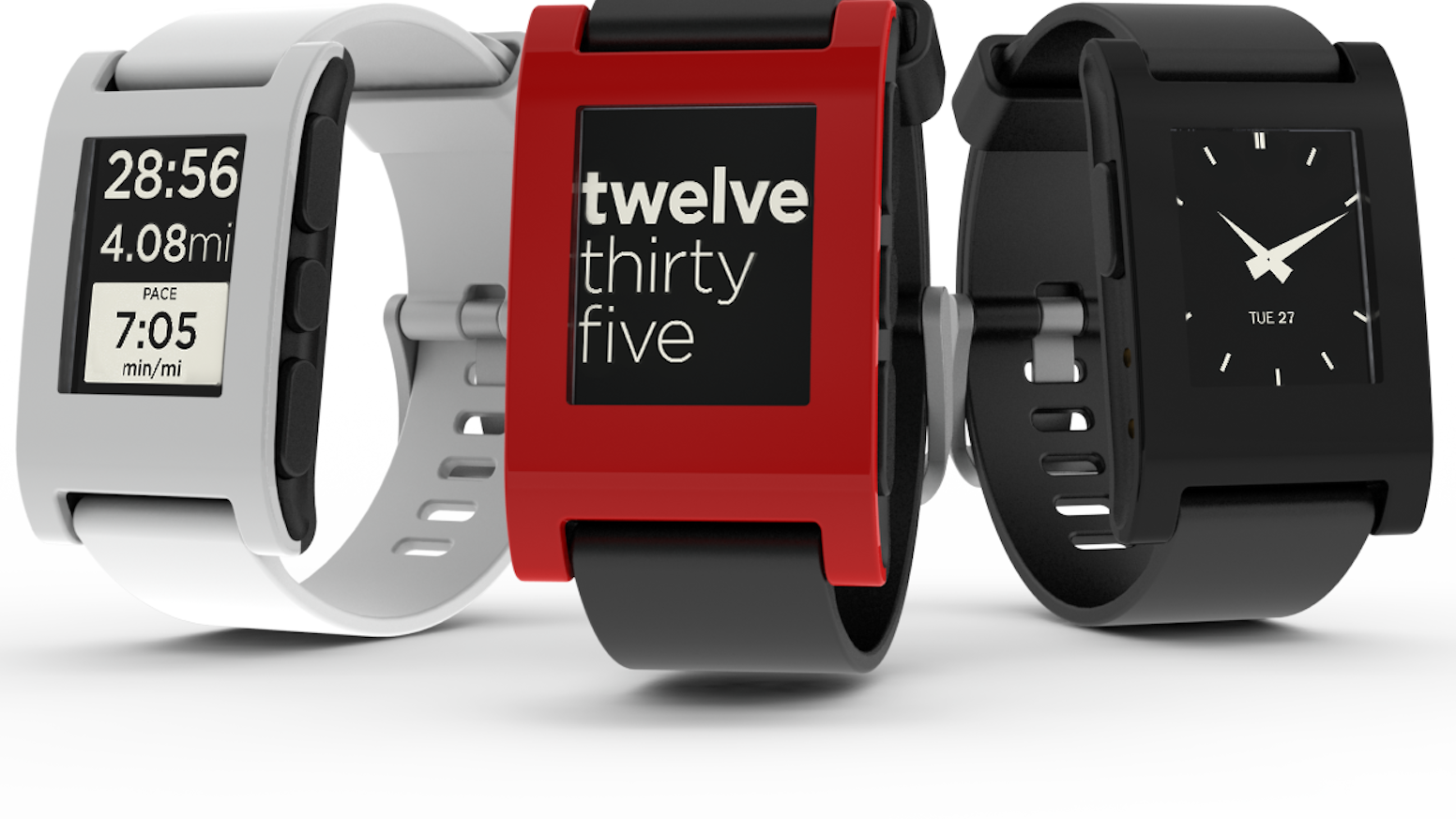
I loved the simplicity of the Pebble. It featured a mono e-Paper screen which was always on and readable in any light. Its lack of fancy screen meant battery life was amazing at between 7 to 10 days on a single charge.

The Pebble is really just a notification device. It shows system wide notifications and phone calls, but it did feature changeable watch faces and you could even install apps on it and a few games, controlled by the three physical buttons on the side.

The Pebble was well built and I found the rubber watch strap very comfortable - although I know a few people who found it irritating. A bonus was it uses standard strap pins so you could put any watch strap on you like.

It was also waterproof and I wore mine 24/7, even showering and swimming. It was great for controlling music on my phone whilst soaking in the tub.

But like all good things, mine began to fail. Pebble had a great replacement policy. If yours broke they would swap it for a new one. However, now Pebble are no more this isn’t an option any longer.

So I wanted a similar alternative and the first gen Microsoft Band looked good.

The Microsoft Band is both a similar and totally different device to the Pebble.

The Band falls in to the fitness band and smartwatch genre. It sports a colour touch screen around a rigid band strap laced with numerous sensors. The Pebble has a mono screen and no sensors.


The colour touchscreen offers more control on the device, but it does mean it is hard to read in direct sunlight. The higher quality screen impacts on battery life, meaning you get around 2 to 3 days between charges vs the 7 day plus out of the Pebble, but both the Pebble and the Band charge very quickly.

You cannot customise the watch face on a Band, but you can change the colour of the background and menu system.

The Band doesn’t allow you to install apps - other than tiles for further controls, but no games and only a few extra fitness based tiles.

Both devices are controlled via an app on your smartphone, but the Band can be used without but does come in to its own when paired with the app.

Both devices offer phone notifications - the main reason I wear such a device - and both vibrate, both performing equally as well at this.

The Pebble doesn’t have a microphone, but the Microsoft Band does - although for use with Cortana this requires a Windows Phone - I haven’t found any other use for the mic yet which renders it a bit pointless.

The Band has a lot of fitness controls due to its extra sensors, which the Pebble lacks - but if these aren’t for you then it is a pointless addition.

Both devices have their advantages and disadvantages. The Pebble is a basic device with incredible battery life. The Band is a more advanced device with reasonable battery life.

Is it a good alternative to the Pebble? For me it is. I like the notification options of both, but I am loving the colour touch screen and fitness features of the Band even though it reduced battery life.

For all you Pebble holdouts out there, the Band is a good alternative.

FitBit took over Pebble and have not produced anything that replicates the simplicity of the Pebble. The Microsoft Band first gen can be bought for a tiny amount. I paid £15 for mine and it was brand new and sealed and at that price it is a bargain.

I am loving my Band and all it brings, but I do miss my Pebble.

Written by Simon Royal. Follow me at twitter.com/simonroyal